
Software & support
EMS2000 Flasher
Request the Windows download
The download isn’t available at the moment. Get in touch if you need help.
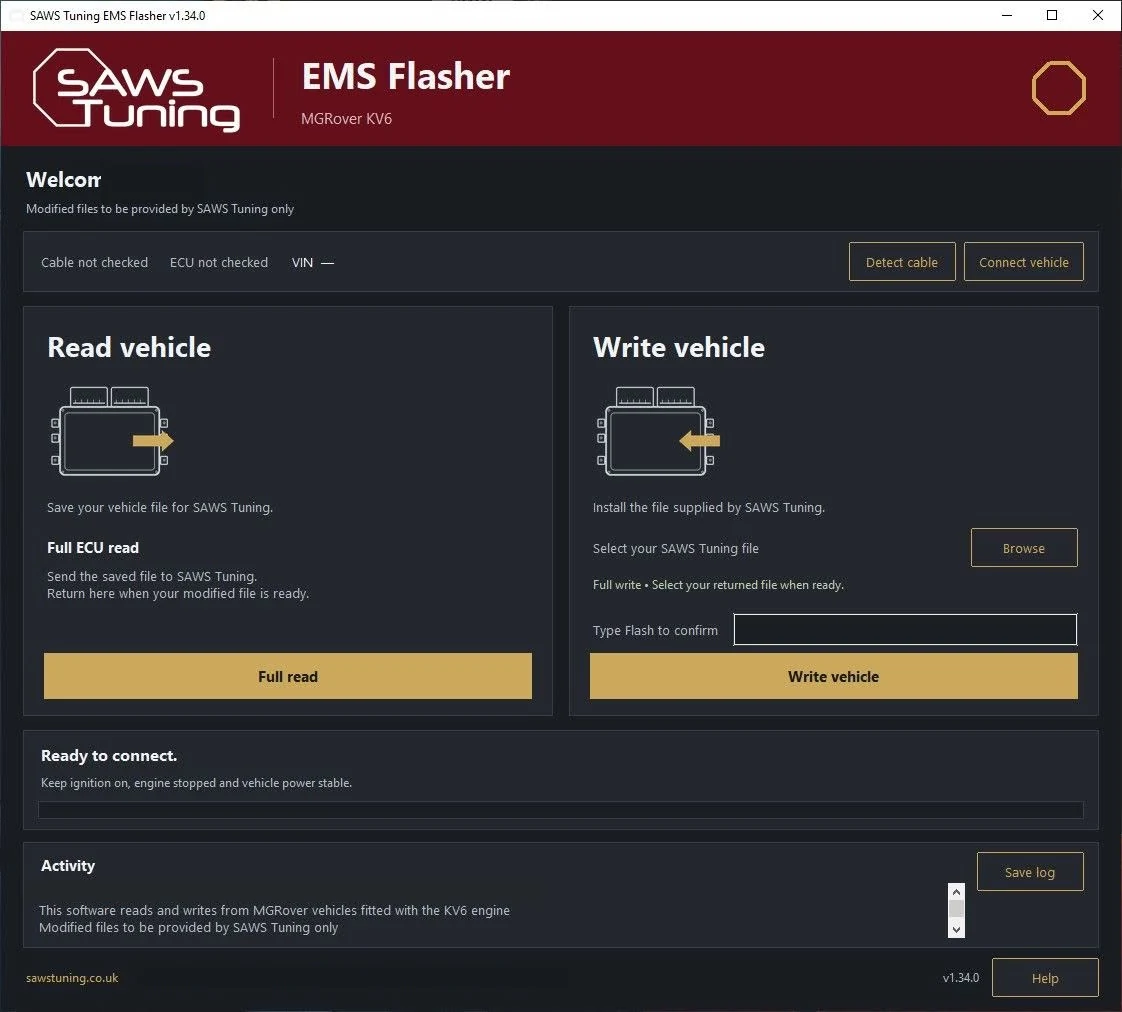
Read your original file and load your tune
- Check your setup. You’ll need a supported KV6 with an EMS2000 ECU, a Windows PC and a compatible diagnostic interface. If you’re unsure about any of those, ask us before you start.
- Open the tool. Download the ZIP, extract it and open the customer flasher from the extracted folder.
- Save your original file. Connect your interface and follow the ignition prompts in the app. Select Read and keep a backup. Email us the original file with your vehicle details and any engine mods.
- Write the tune we send you. Open the supplied file in the flasher, select Write and follow the prompts. Keep the vehicle on a stable power supply and leave the interface connected until the app says it’s finished.
If you see a connection, validation or VIN error, stop and send us the message and your saved log before trying again.