Tune your car at home!
Owners of the PScan diagnostics tool can now remap their MEMS3 ECU at home using the below steps
Step 1
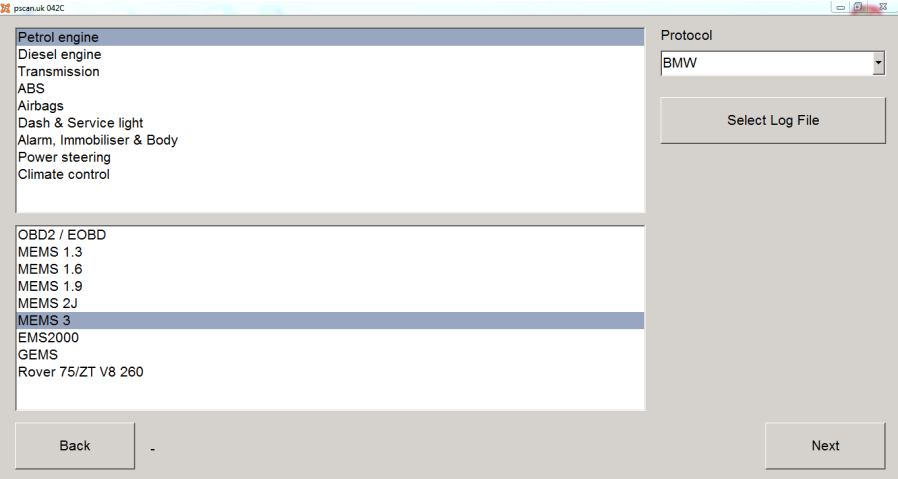
Load up the PScan tool and navigate to the MEMS3 page
Step 2
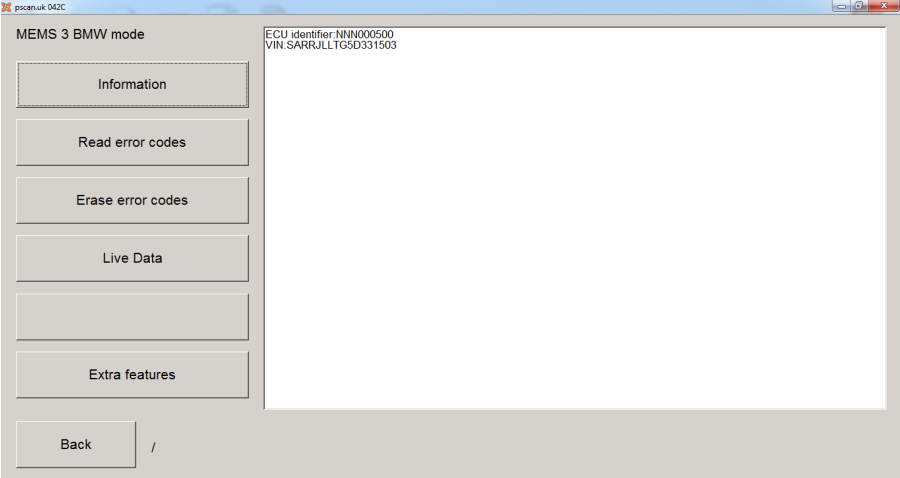
Once loaded into the ECU, click extra features
Step 3
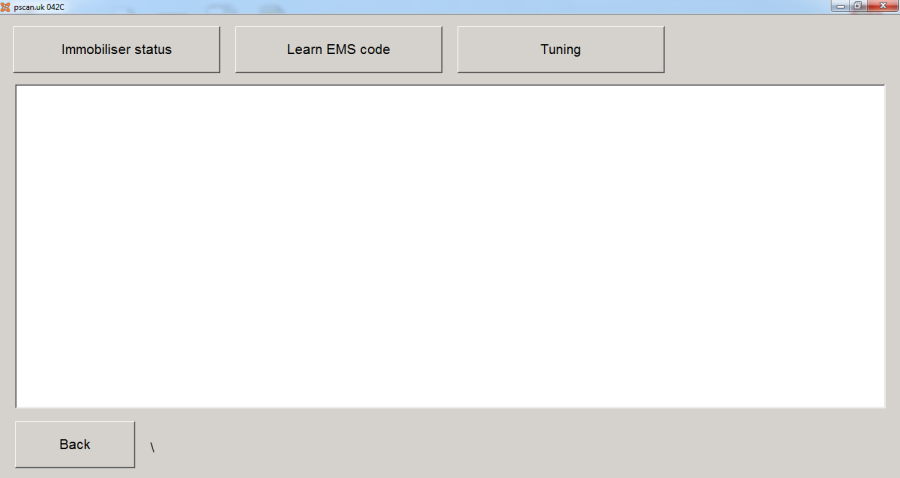
Click the Tuning button
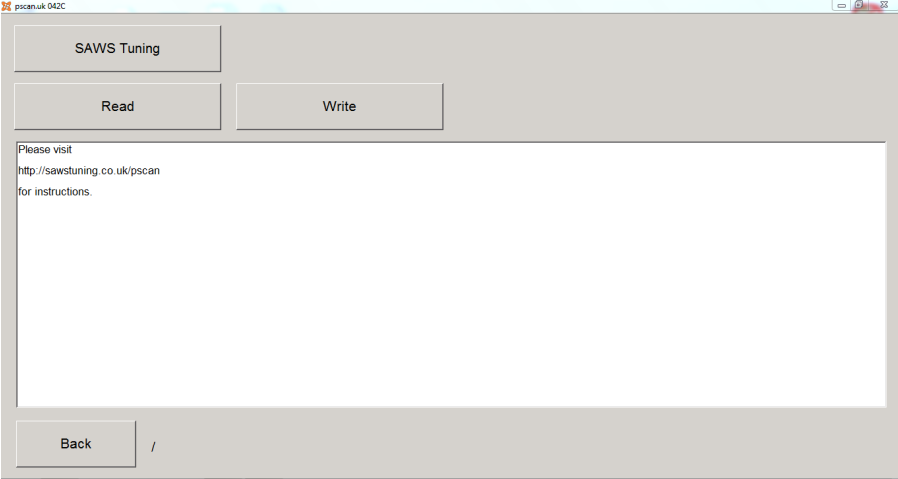
Step 4
Click the SAWS Tuning button and then read. The PScan will then read a file linked the VIN Number on the ECU.
Step 5
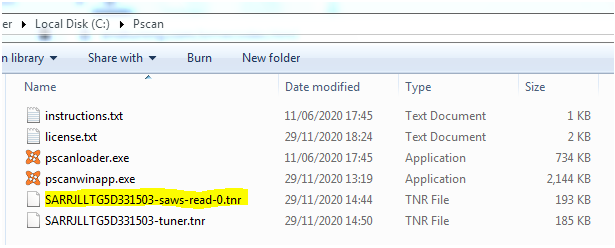
When reading is complete, the Pscan tool folder you’ll find a saws-read-0 file (see highlighted)
Email this file, along with the 6 digit remap token code and any engine modifications to sawstuning@googlemail.com
You’ll then receive a modified ‘tuner’ file within 24 hours. Copy this to the same location as the first file and reopen the PScan. Click write and the PScan will flash on your new file.