
MEMS3 remote tuning
PScan Remote Tune Guide
This guide is for the remote tuning function with the PScan diagnostics tool and MEMS3 ECUs.
You can buy the PScan and download the latest version of the tool at the below link
Visit the PScan website
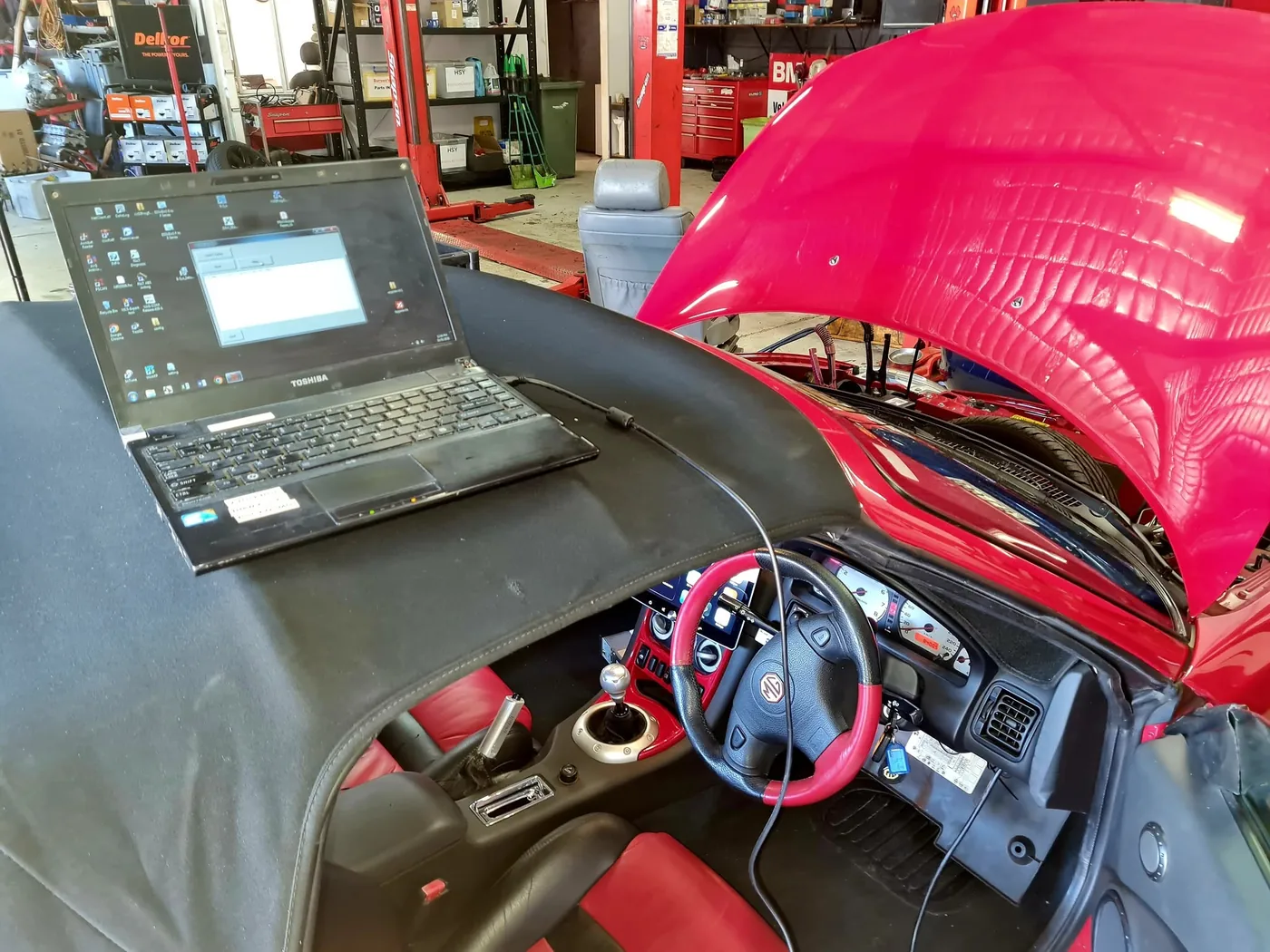
1. Connect to your ECU
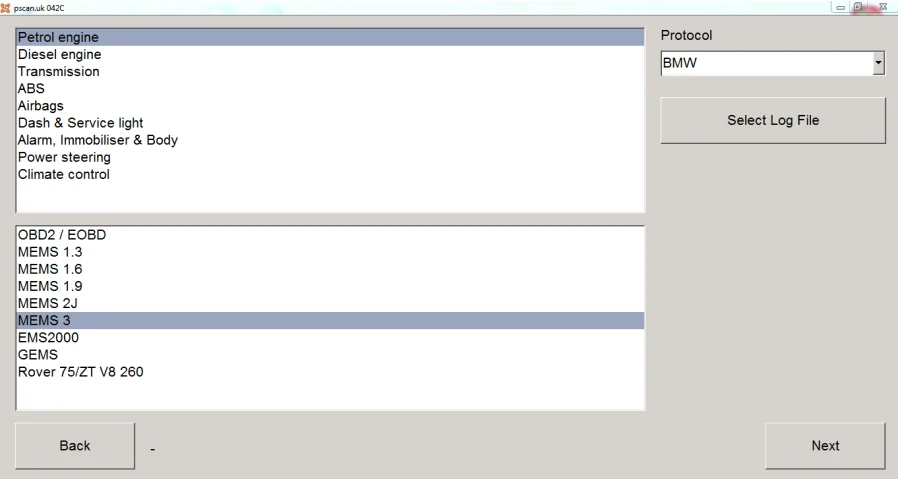
In PScan, choose MEMS 3 from the petrol engine list, select BMW mode and connect.
2. Read your original file
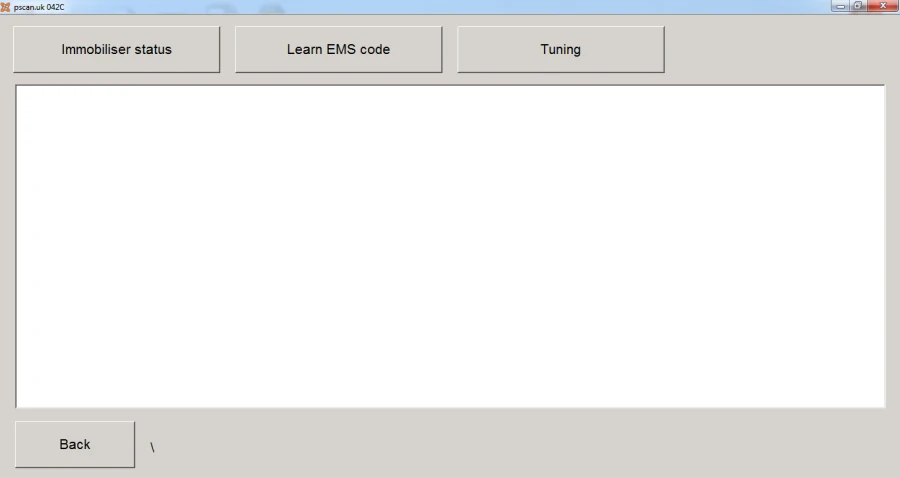
Go to Extra features → Tuning → SAWS Tuning and select Read. Look in the PScan folder for the file ending in -saws-read-0.tnr and keep a backup.
3. Email us the file
Email the original file to sawstuning@googlemail.com. Include your six-digit Remote Tune Token code and let us know about any engine mods. We’ll email your tuned file back.
4. Load your tune
Save the file we send you in the same PScan folder, then reopen PScan. Return to the SAWS Tuning screen and select Write. Follow the prompts and keep the power and interface connected until it finishes.
Watch us walk through it. The screenshots are from the original guide, so the appearance may differ from your version of PScan.